
Create a FileShare Link and select the Access & Permissions tab.
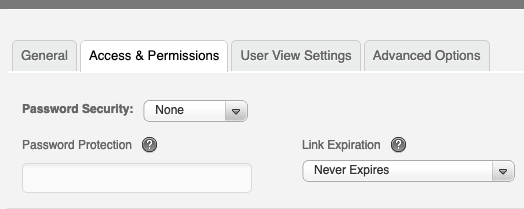
Here you will have a drop down menu for the type of Password Security you would like to use.
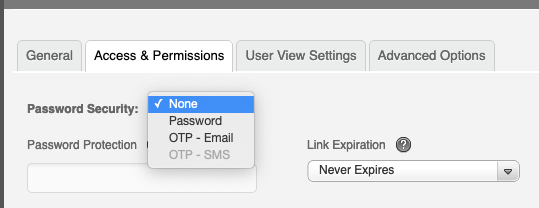
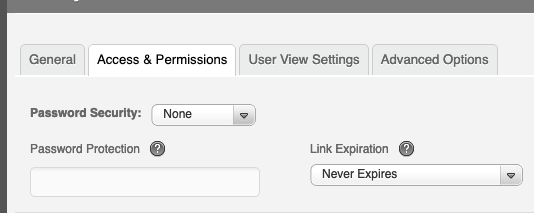
None- No Password Security on link and password field can be left blank.
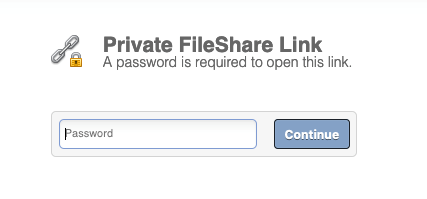
Password - Type in the word, phrase, or string of characters
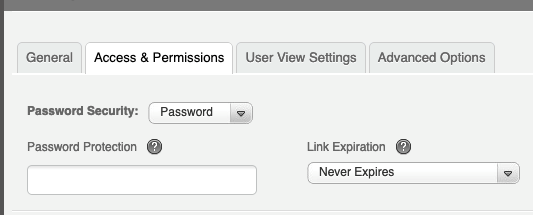
Here is a look at what the Password option looks like:
OTP-Email - One Time Password gets sent to the email entered from the link

Here is a look at how the OTP - Email looks:
Input Email address to receive One-Time Password
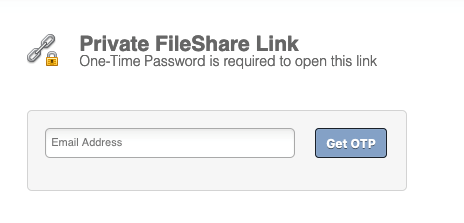
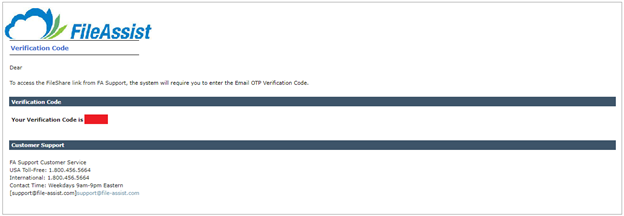
Once email has been entered click Get OTP and then check email entered for One-Time Password, copy and paste or re-enter into OTP field.
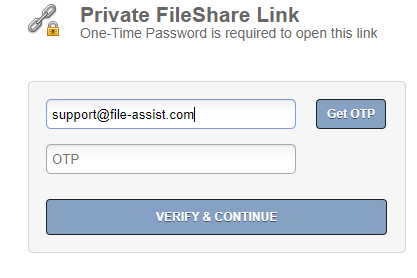
Here is how the OTP - Email looks:
There is a fourth option OTP - SMS but it must be enable by following the steps in this link
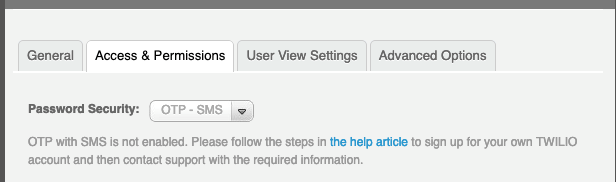
and then finish customizing the link or send it.

0 Comments